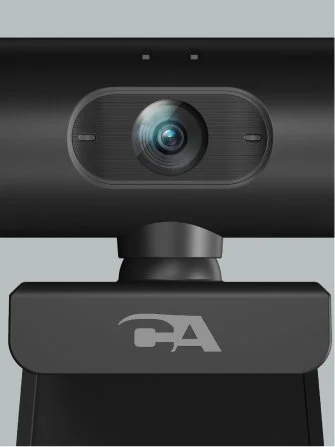

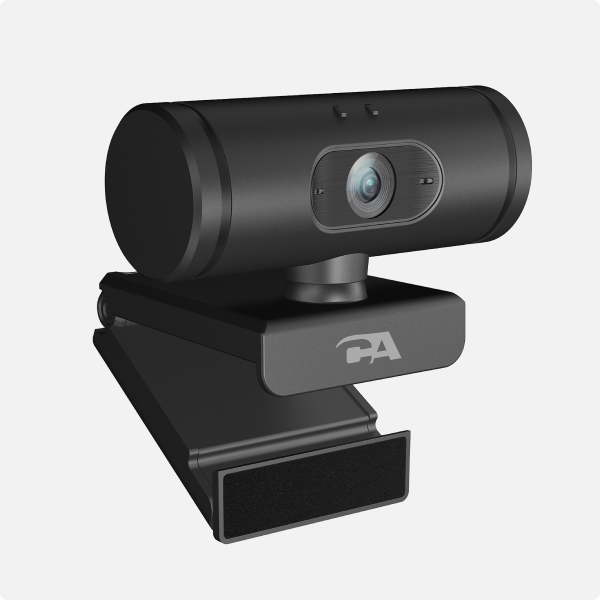


WC-1000
1080p HD Webcam for PC
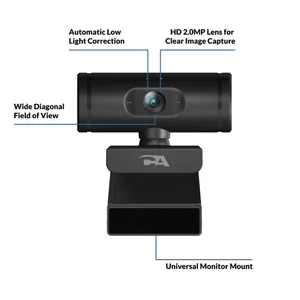
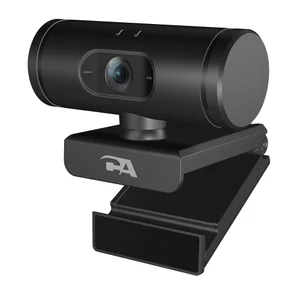
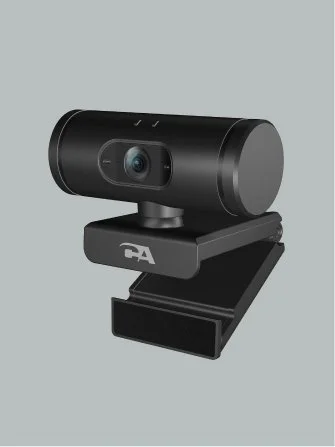
The WC-1000 is a purpose-built webcam for professionals who already use headsets or speakerphones for audio. Its microphone-free design eliminates audio conflicts and reduces security risks, while 1080p HD video with auto focus and low-light correction delivers clear, reliable visuals for calls and recordings.
Plug it in, pair it with your preferred audio device, and get consistent performance every time.
High-Quality Video
Eliminates Audio Conflicts with Other Devices
Security
Easy to Use
What This Product Includes
Specifications
-
1920x1080 @ 30fps
1280x720 @ 30fps
640x480 @ 30fps
-
No
-
USB-A
-
USB-A compatible computers and laptops
-

No Microphone
No built-in microphone prevents automatic switching from your preferred audio device
-

HD Video
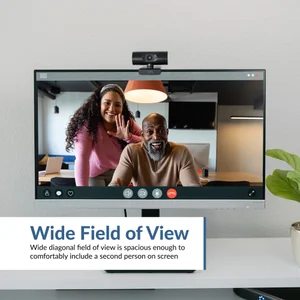
Full HD 1080p video at 30fps making it ideal for video calls, recordings, or streaming
-

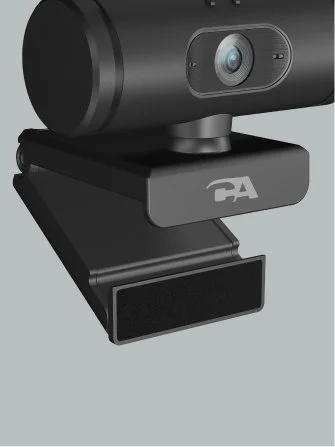
Universal Monitor Mount
Adjustable universal clip that secures easily to laptops and monitors
FAQ
-
This webcam is a plug-and-play webcam that uses generic drivers provided by your computer manufacturer.
-
No, it does not have a microphone. Integrated webcam microphones often create conflicts in platforms such as Teams, Zoom, or Slack, where the software automatically selects the webcam microphone instead of the user’s headset or speakerphone. When this occurs, many users don’t realize their voice is being picked up by the webcam rather than their intended audio device. This results in poor call quality, frustrated users, and avoidable help desk tickets. By removing the microphone entirely, the WC-1000 ensures calls default to the intended audio device, reducing troubleshooting and improving reliability.
If you need a microphone, check out our WC-2000 and WC-3000 models.
-
This webcam should work. The Linux system needs to have a standard webcam driver installed in the operating system. The webcam doesn't come with any drivers. It relies on the computer OS to support it.
-
Most browsers require permission before a website can use your webcam. When prompted, click “Allow” to grant camera access. If you previously blocked the camera, you can enable it again in your browser’s site settings. For detailed instructions, see our guide:
https://www.cyberacoustics.com/cyber-acoustics-blog/how-to-allow-microphone-and-camera-access-in-a-browser-windows-macos -
The WC-1000 does not include a built-in privacy shutter. However, many low-cost webcam covers and accessories are widely available and can be easily added for extra privacy when the camera is not in use.