How should I adjust the microphone?
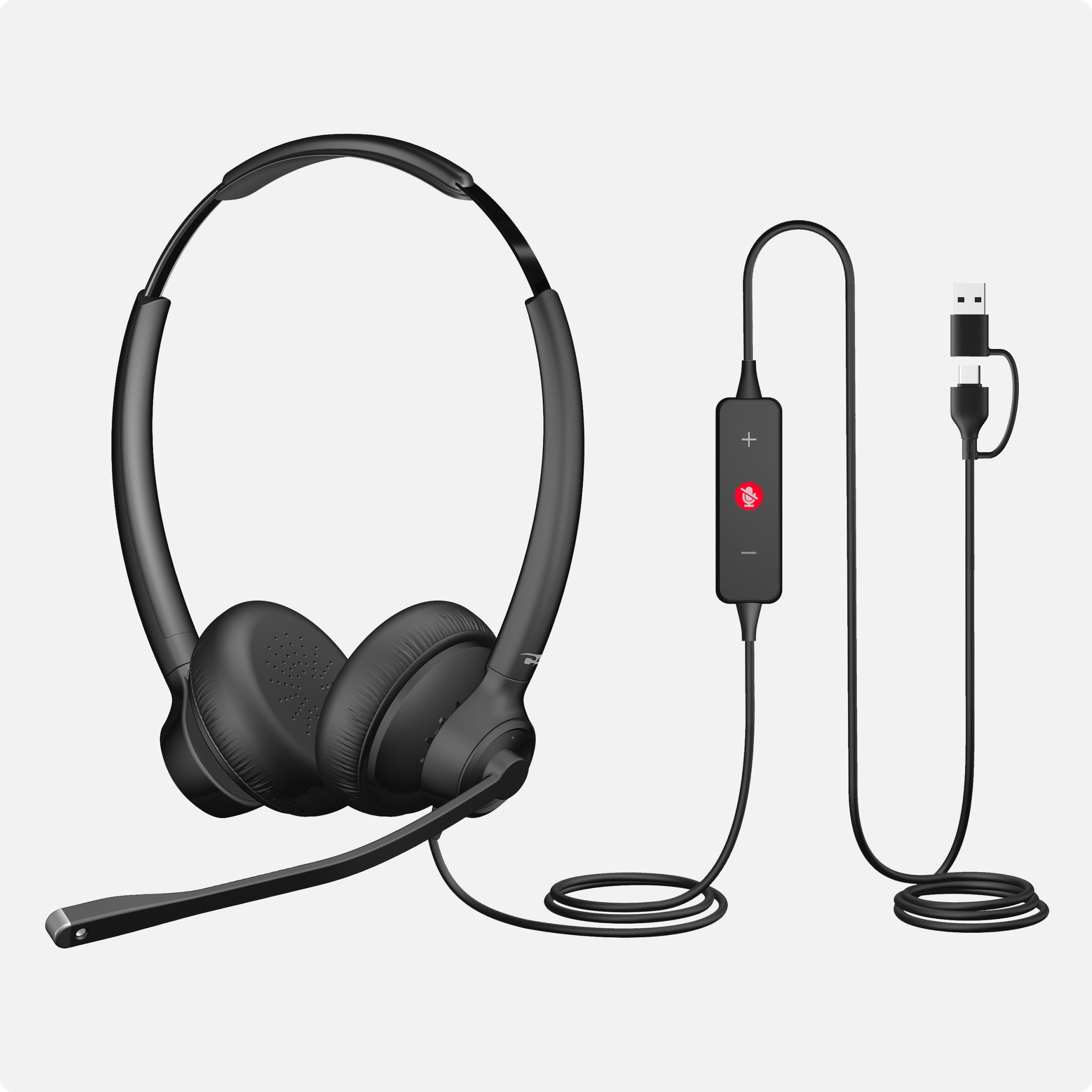
Adjust the microphone in front of your mouth, but not so close it captures breathing. Never cover the microphone with your hand.
Do I need special software for the AI Noise Cancelation?
No software is needed! The headset does all the work.
Does this headset block background noise for me as well as those I’m talking with?
No, this headset’s superior AI-powered Environmental Noise Cancellation blocks background noise for those you are speaking with, but it does not support Active Noise Cancellation (ANC) to block surrounding noise for the person using the headset.
Can I use this headset with PlayStation, Xbox, or Nintendo consoles?
This headset is not intended for use with gaming consoles and is designed for use with home computers. Most consoles do not support the drivers required for this headset.
Can I use this with my smartphone?
The AC-404 is a plug-and-play device that works with any compatible USB-C port.
Will the AC-404 work with a Mac or Chromebook?
Yes. The AC-404 uses standard USB audio, so it works with Windows, macOS, and ChromeOS. There are no drivers to install.
Does the AC-404 have a 3.5mm connection?
No. The AC-404 connects by USB-A or USB-C only. A USB-C to USB-A adapter is included in the box.
What do the LED colors on the in-line control mean?
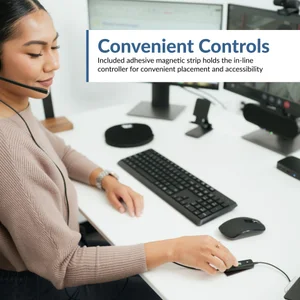
Red means the microphone is muted and green means it is unmuted. Press the mute button once to mute the mic, then press it again to unmute.
Can I turn off the mute beep?
Yes. Long press the mute button on the in-line control. The green LED flashes twice when the beep is enabled, and the red LED flashes twice when it is disabled.
Why can’t I hear my own voice through the headset?
The AC-404 does not turn on microphone monitoring, also called sidetone, by default. You can usually enable it in your computer’s sound settings.
Others can’t hear me on calls. What should I check?
Open Windows Settings, go to Privacy & Security, select Microphone, and confirm microphone access is on for your calling app. Then open your app’s own audio settings and set the AC-404 as both the speaker and the microphone.
Which apps is the AC-404 designed to work with?
The AC-404 works well with Microsoft Teams, Zoom, Google Meet, Cisco Webex, Messenger, and the softphones used in contact centers. Because it uses standard USB audio, it works with most communication platforms.
Is the AC-404 suitable for call centers?
Yes. It is built for professional communication and contact center use, with an AI Environmental Noise Cancelation microphone, a lightweight design for long shifts, USB plug-and-play compatibility, and durable construction for daily operation.
Can I use the AC-404 with Krisp, Sanas, or other noise cancelation software?
We do not recommend it. The AC-404 removes background noise on the headset itself, so running a second noise cancelation program on top of it can leave your voice sounding muffled. Turn the software noise cancelation off, or choose the AC-204ENC if that software is required.
My audio crackles or drops out on Windows 11. How do I fix it?
Windows 11 USB power saving is the usual cause. Open Device Manager, expand Universal Serial Bus controllers, open Properties on each USB Root Hub, go to the Power Management tab, and uncheck the option that lets the computer turn off the device to save power.
How do I clean the headset?
Clean it with alcohol wipes only, and never spray liquid onto the headset. The leatherette earpads wipe clean.
Can I wear the microphone on either side?
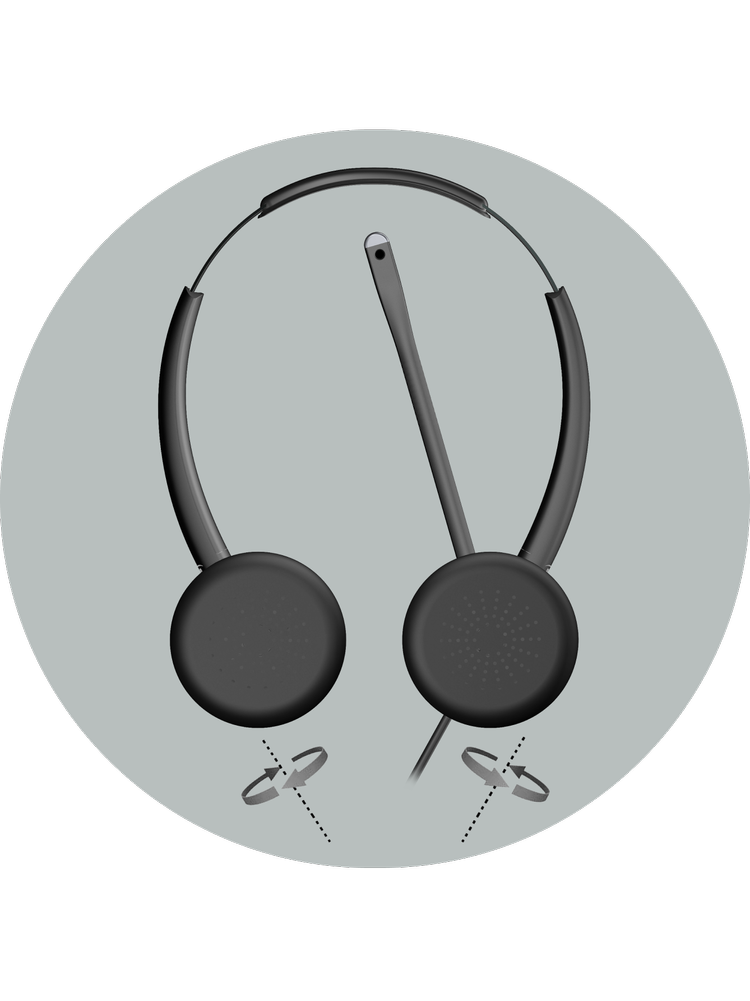
Yes. The boom is ambidextrous and the earcups rotate, so you can wear the mic on your left or your right. Keep it 1 to 2 inches from your mouth with the opening facing you, and avoid twisting the boom excessively.